

Download VPN Robot – Free VPN Proxy, Secure Internet, Global Servers
Overview
VPN Robot is a desktop application designed to provide secure, anonymous internet access through a network of global servers. The software is positioned as a free solution for users seeking to protect their online privacy and bypass geographic or network-based restrictions. It is particularly aimed at individuals who frequently use public Wi-Fi, travel internationally, or wish to access region-locked content without financial commitment.
The application is described as being capable of bypassing firewalls, enabling access to streaming platforms, file downloads, and restricted websites. Its core purpose centers on privacy preservation by masking the user’s IP address and preventing third-party tracking through cookies and algorithmic monitoring. While the developer did not provide detailed background information, the software is marketed as a no-cost tool with no hidden fees or subscription requirements.
Real-world usage scenarios include remote work on public networks, secure browsing in high-risk environments, and accessing international media libraries. The software is intended for both casual users and privacy-conscious individuals who prioritize online anonymity without the need for premium features.
Key Features & Capabilities
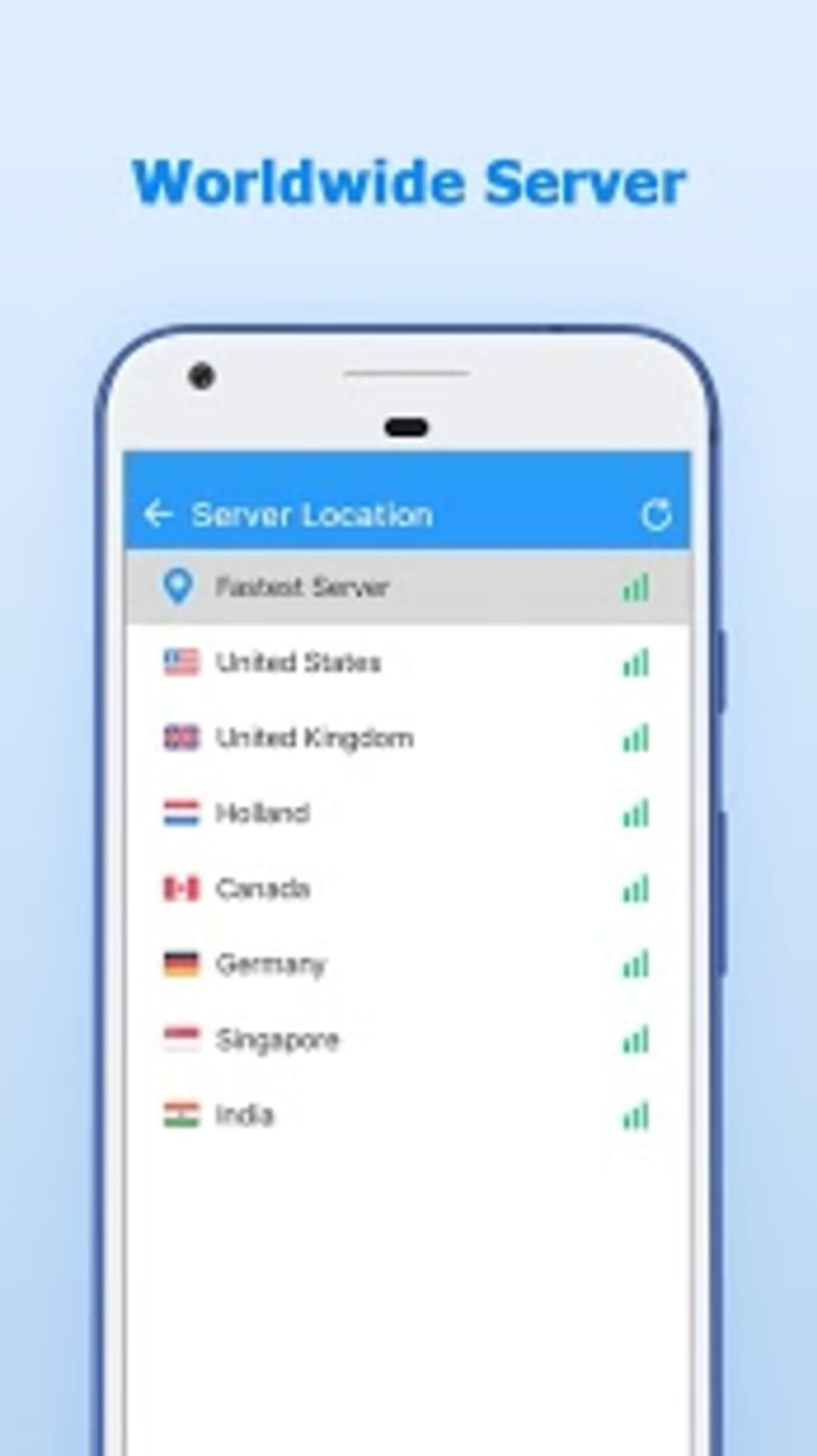
- Global Server Network: Access to over 2,410 servers across various international regions, increasing the likelihood of stable and fast connections regardless of geographic location.
- Firewall Bypassing: Designed to circumvent network restrictions imposed by institutions, governments, or ISPs, allowing access to blocked websites and services.
- IP Address Masking: All internet traffic is routed through the proxy server, hiding the user’s real IP address and enhancing anonymity during online activities.
- Privacy Protection: Claims to prevent third-party tracking by blocking cookies and automated surveillance mechanisms, ensuring personal browsing behavior remains unrecorded.
- Encryption Protocols: Implements encryption to secure data transmission, reducing the risk of interception by malicious actors or unauthorized entities.
- Activity Logging Policy: Developer asserts that no user activity is logged, meaning no records of online behavior are retained, which supports long-term privacy.
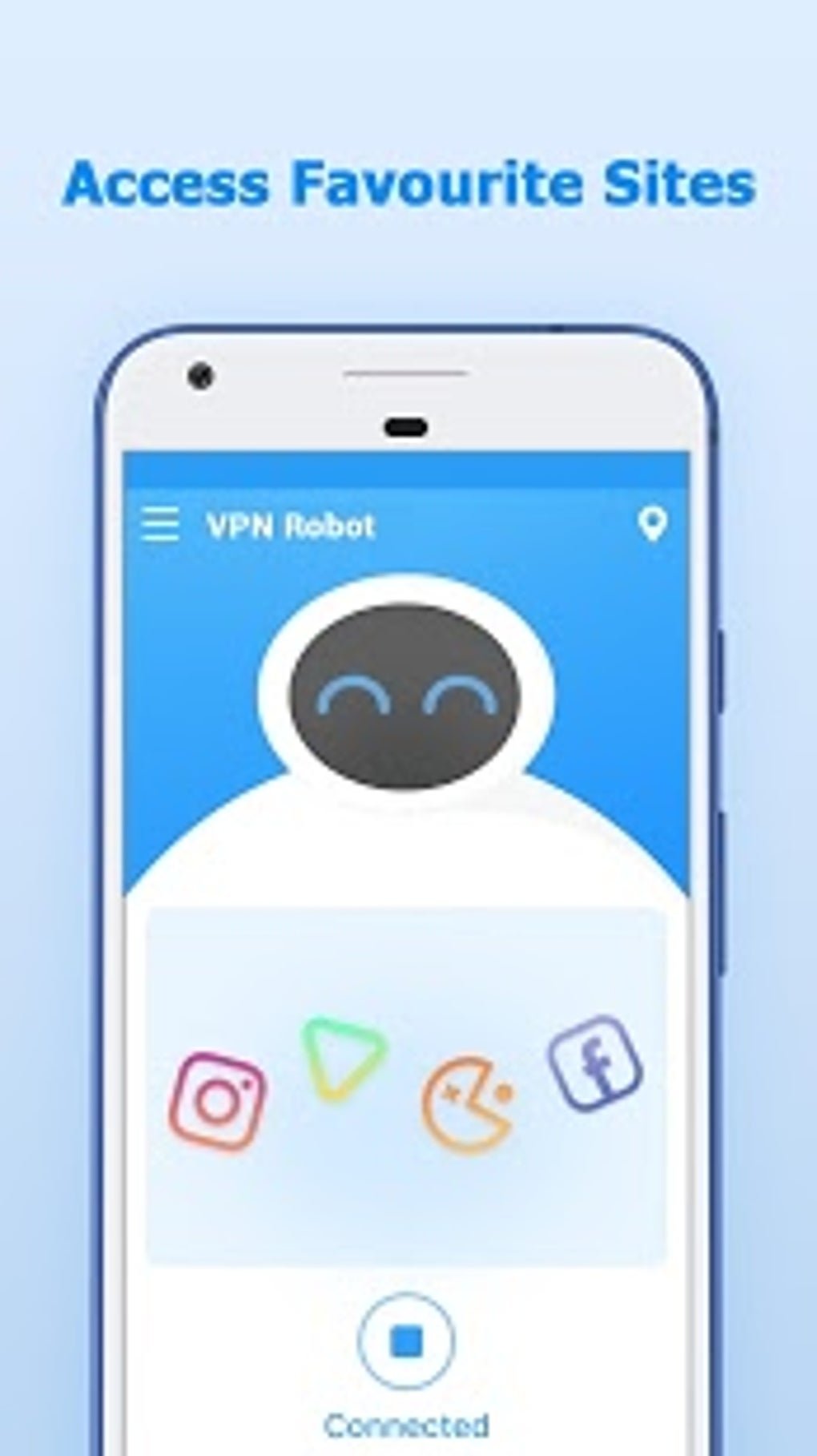
- One-Click Connection: Simplified interface allows users to connect to a server with minimal steps, ideal for beginners or those seeking immediate protection.
- Multi-Language Support: Available in multiple languages, improving accessibility for non-English-speaking users worldwide.
These capabilities are especially beneficial for users engaging in video conferencing, online gaming, or streaming, where consistent bandwidth and low latency are critical. The software is also suitable for travelers needing secure access to home-based services or individuals concerned about surveillance on public networks.
User Interface, Workflow & Performance
The user interface of VPN Robot is described as simple and intuitive, focusing on ease of navigation and immediate usability. The layout prioritizes core functions such as server selection and connection initiation, minimizing clutter and reducing the learning curve for new users. The one-click connect feature streamlines the workflow, allowing users to activate protection with minimal interaction.
Navigation appears to be linear and consistent, with clear visual cues indicating connection status and server location. While exact performance metrics such as CPU or RAM usage were not specified, the software is claimed to handle high bandwidth demands, suggesting optimized resource management under load. Stability is implied through the emphasis on reliable connections across diverse regions.
However, specific details regarding long-term performance, background behavior, or responsiveness during peak usage were not provided. The developer did not specify resource usage details, so actual impact on system performance remains unverified. General software behavior patterns suggest that such applications typically operate efficiently on modern systems, but individual results may vary based on network conditions and device specifications.
Compatibility & System Requirements
VPN Robot is available for Windows and Mac operating systems, though specific version numbers were not listed. The software is designed to function as a desktop application, supporting both PC and Mac platforms. Installation size information was not provided, nor were detailed hardware requirements such as minimum RAM or processor speed.
The developer did not specify exact system requirements, so users are advised to ensure their device meets general standards for running modern desktop applications. Compatibility information is limited to the operating systems mentioned. Platform compatibility details are not available for other environments, such as Linux or older Windows versions.
The software is intended for use on desktop systems, with no indication of mobile integration or cross-platform synchronization. Users should verify their system’s capabilities before installation to ensure smooth operation.
Pros and Cons
Pros
- Completely free with no hidden fees or subscription plans.
- Large global server network with over 2,410 servers available.
- Designed to bypass firewalls and access restricted content.
- Claims to offer strong privacy protection with no activity logging.
- Simple, user-friendly interface suitable for beginners.
- One-click connection for instant protection.
- Multi-language support enhances accessibility.
- Uses encryption to secure internet traffic.
Cons
- Exact performance and resource usage details were not specified.
- System requirements and compatibility details are limited.
- No information provided about update frequency or release history.
- Developer background and company information are not disclosed.
- Third-party verification of privacy claims is not available.
- Official documentation or support resources were not mentioned.
FAQ Section
Is VPN Robot safe to use?
The software is designed with privacy in mind and claims to use encryption and not log user activity. However, independent verification of its security practices is not available. Users should exercise caution when using free tools, especially those with limited transparency.
Can I use VPN Robot on both Windows and Mac?
Yes, the software is compatible with both Windows and Mac operating systems. Specific version numbers were not provided.
Does the software require a subscription?
No, the software is completely free to download and use. There are no payment plans, hidden fees, or premium tiers advertised.
How often are the servers updated?
The developer did not specify the update frequency for servers or the network infrastructure. Users may experience changes in server availability based on real-time demand and maintenance.
Can I use VPN Robot offline?
While the software can be installed and launched without an internet connection, a working internet connection is required to establish a VPN session and access the proxy network.
Final Thoughts
VPN Robot presents itself as a compelling option for users seeking a free, privacy-focused desktop tool to secure their internet traffic and access global content. Its extensive server network, emphasis on no-logging policies, and straightforward interface make it accessible to a broad audience. While technical details such as performance benchmarks, system requirements, and developer transparency are limited, the core functionality aligns with common expectations for a reliable free VPN.
The software is particularly well-suited for casual users, travelers, and individuals concerned about online surveillance. For those prioritizing privacy without financial investment, it offers a viable entry point into secure browsing. However, users should remain mindful of the lack of verifiable third-party audits or detailed technical documentation.
Overall, it stands as a practical solution for basic privacy needs. Download VPN Robot now.





.png)

